Image Editor
Upload a photo and describe what to change — the new image is generated automatically.
Before
After
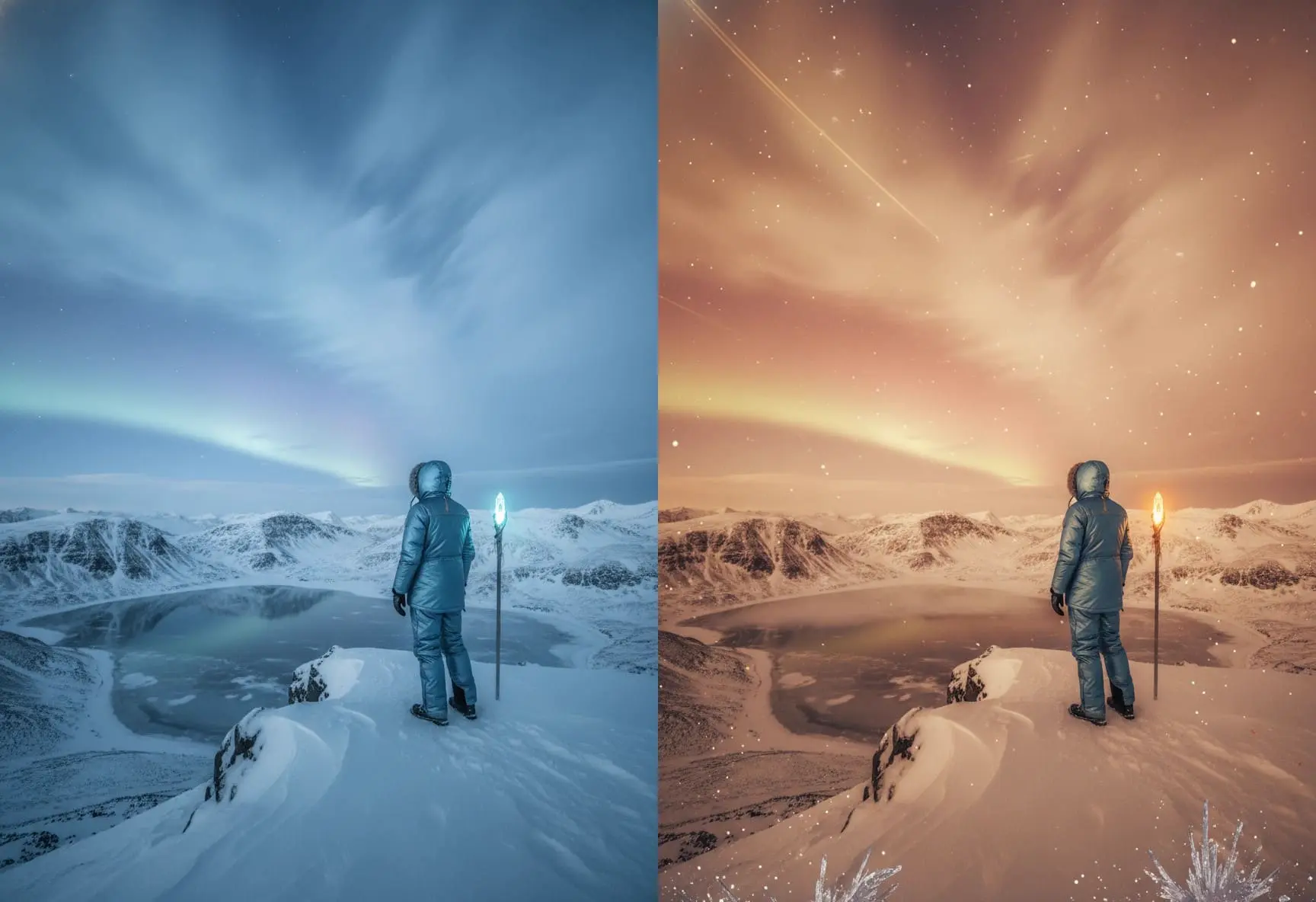
1
Upload your image
Choose the photo you want to edit—the system will use it as the base for all changes.
2
Describe what to adjust
Tell the system what you want to change, such as replacing the background or adding new details.
3
Get the edited result
The system generates a new version based on your instructions, ready to download.
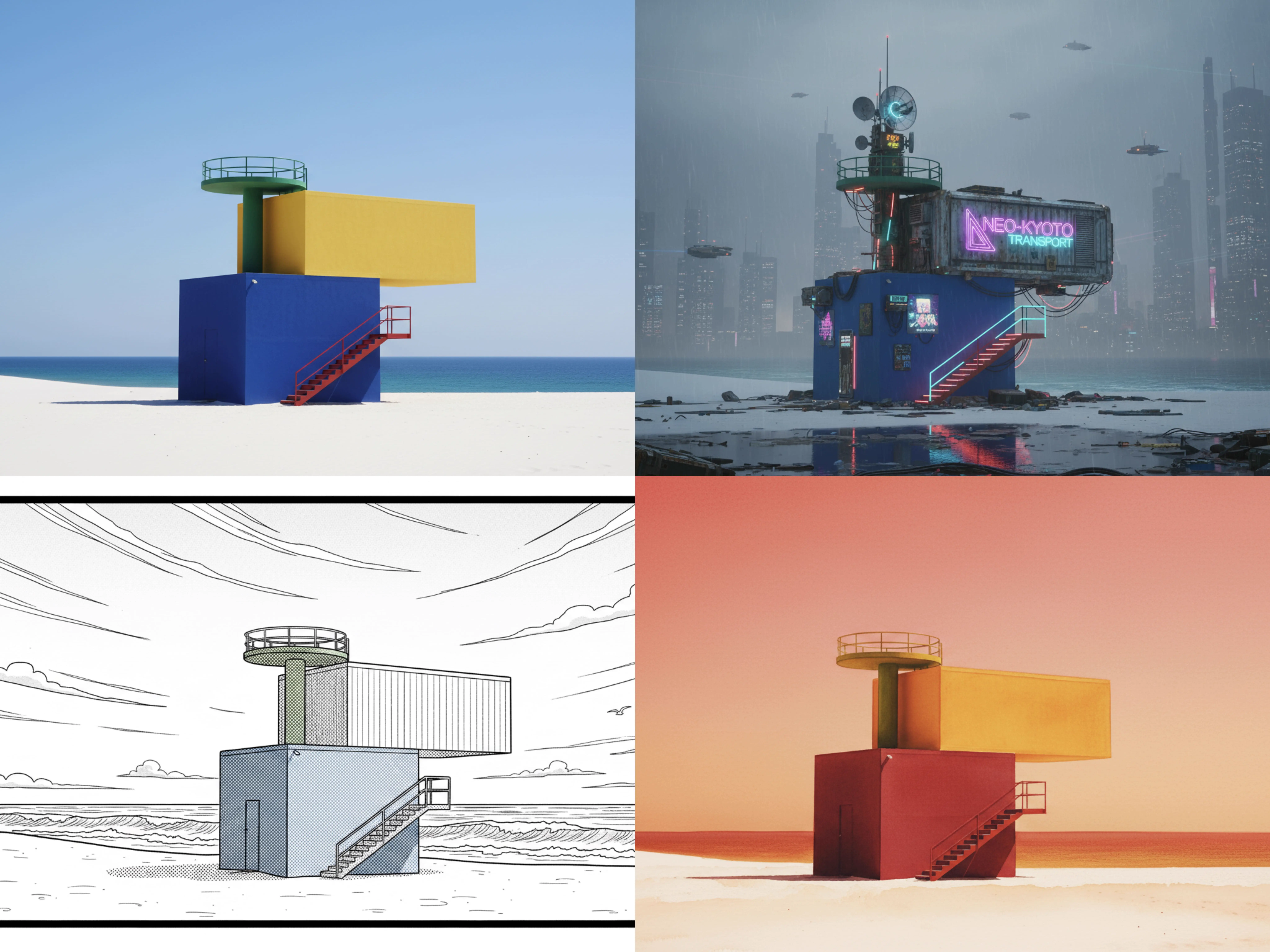
Give your image a fresh new style
Transform your original photo into illustration, anime, or artistic styles with a single instruction.
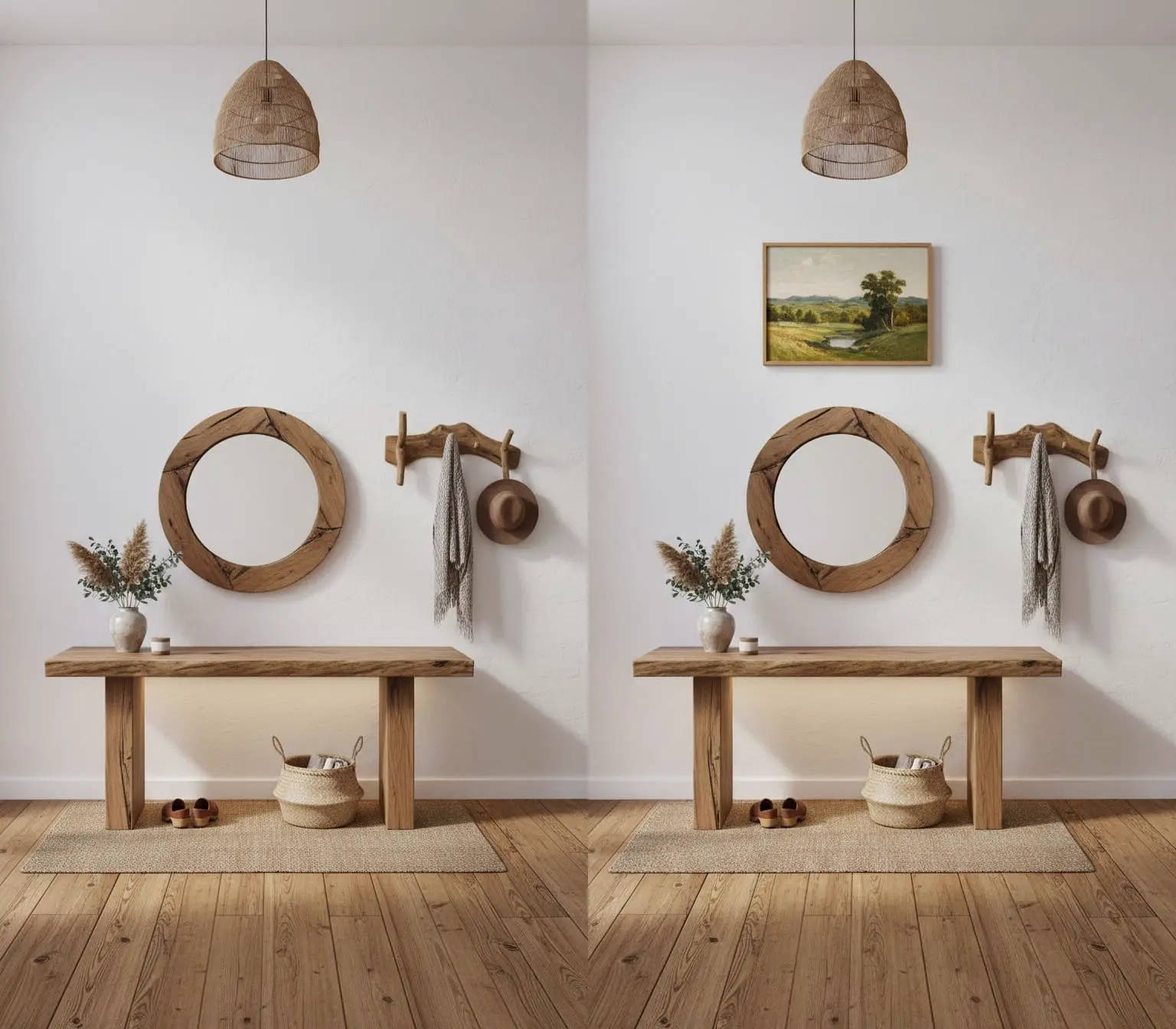
Add new elements naturally
Insert objects or details with descriptions—the system blends them seamlessly into the scene.
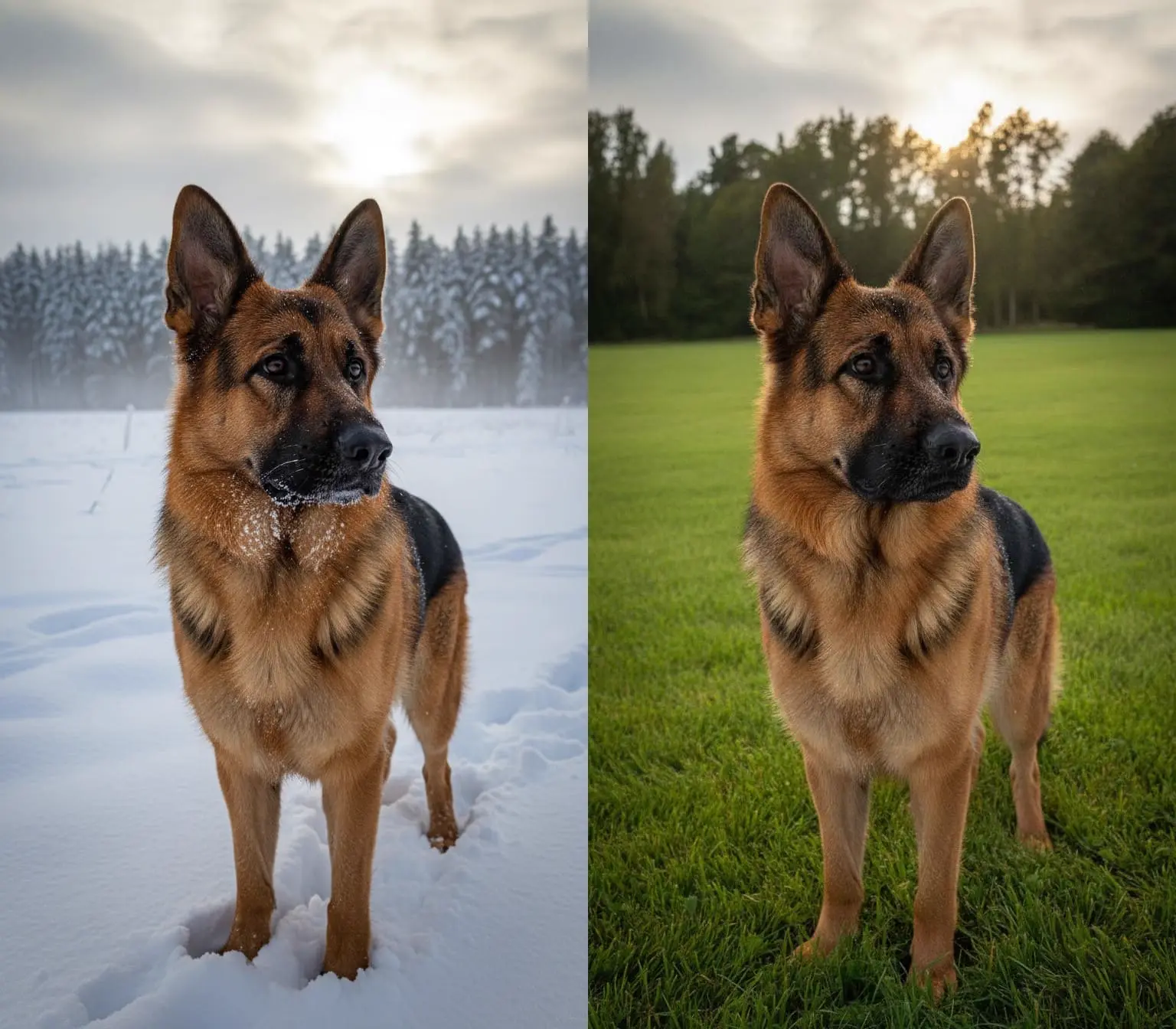
Change backgrounds with ease
Switch scenes—from indoor to outdoor or from plain to atmospheric—using simple instructions.
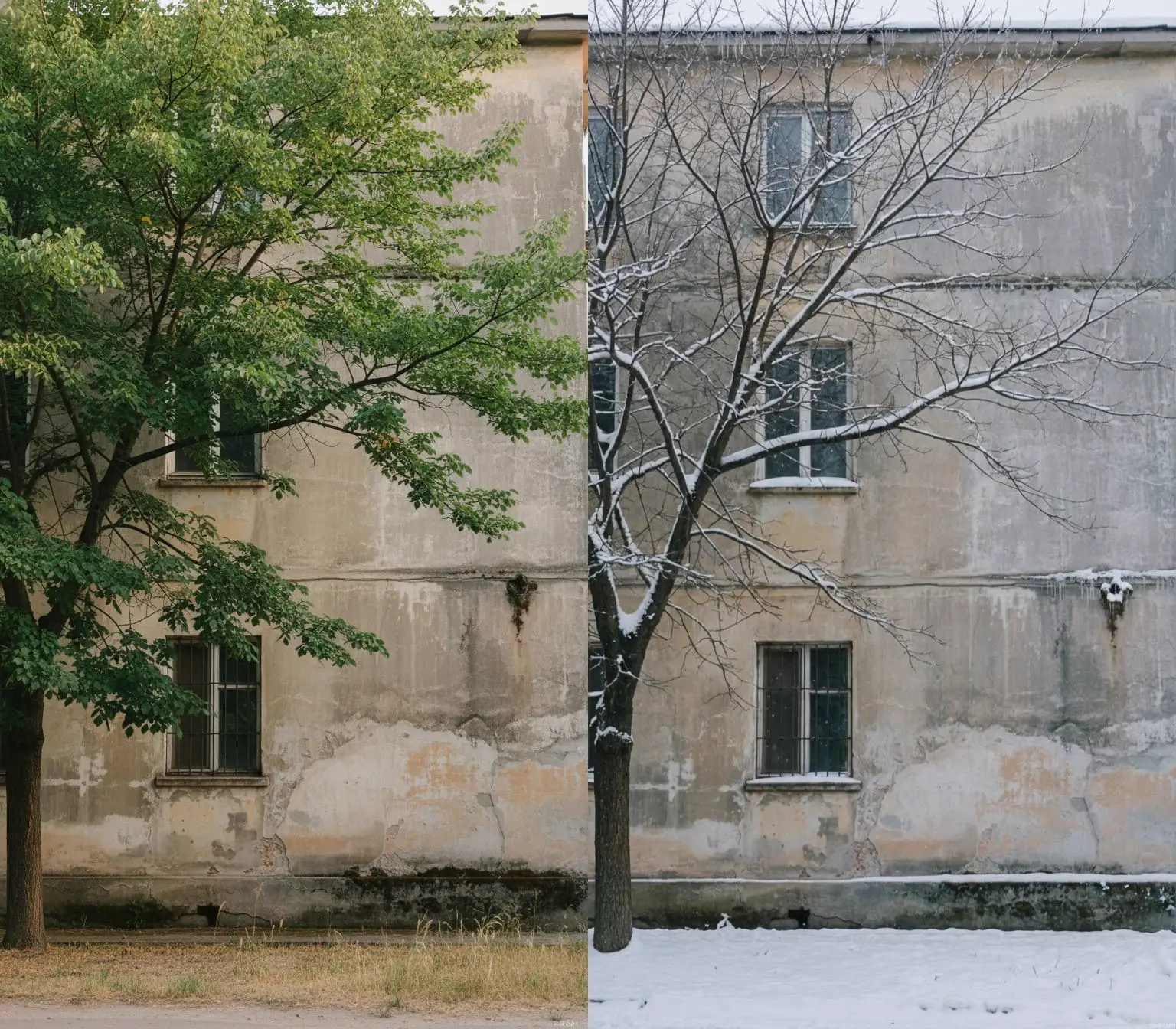
Modify scenes while keeping key features
Maintain consistent faces or objects even when editing large parts of the image.
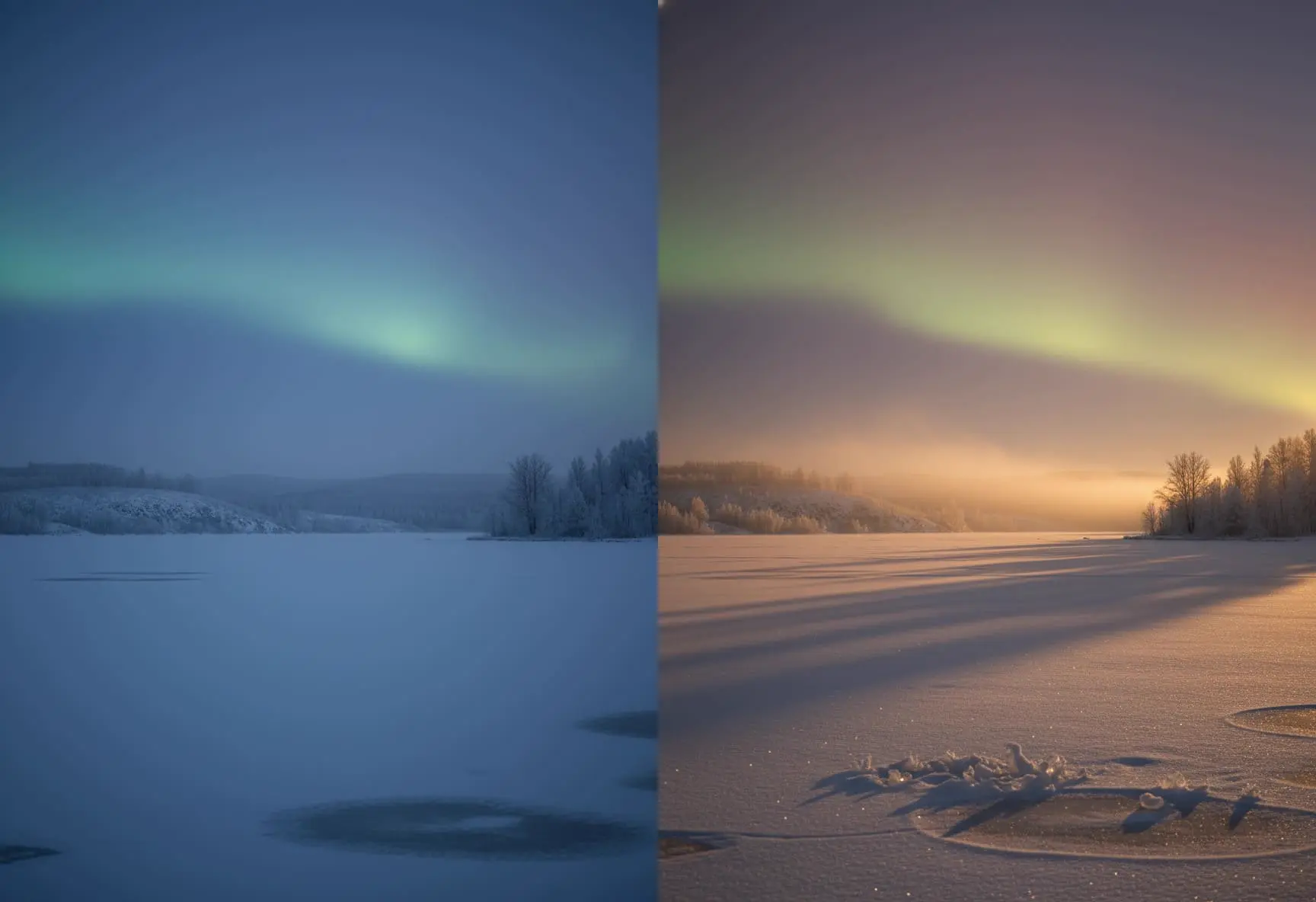
Add depth and enhance atmosphere
Extend scenes, refine lighting, or adjust mood to achieve richer visual results.